
Quick phrases
Start with quick phrases and organize frequently used items according to your actual work needs.

Every detail and button is designed with the user experience in mind

Don't see the app you need? Contact us to help adapt it for you

Supports one account on multiple devices simultaneously, with cloud data sync
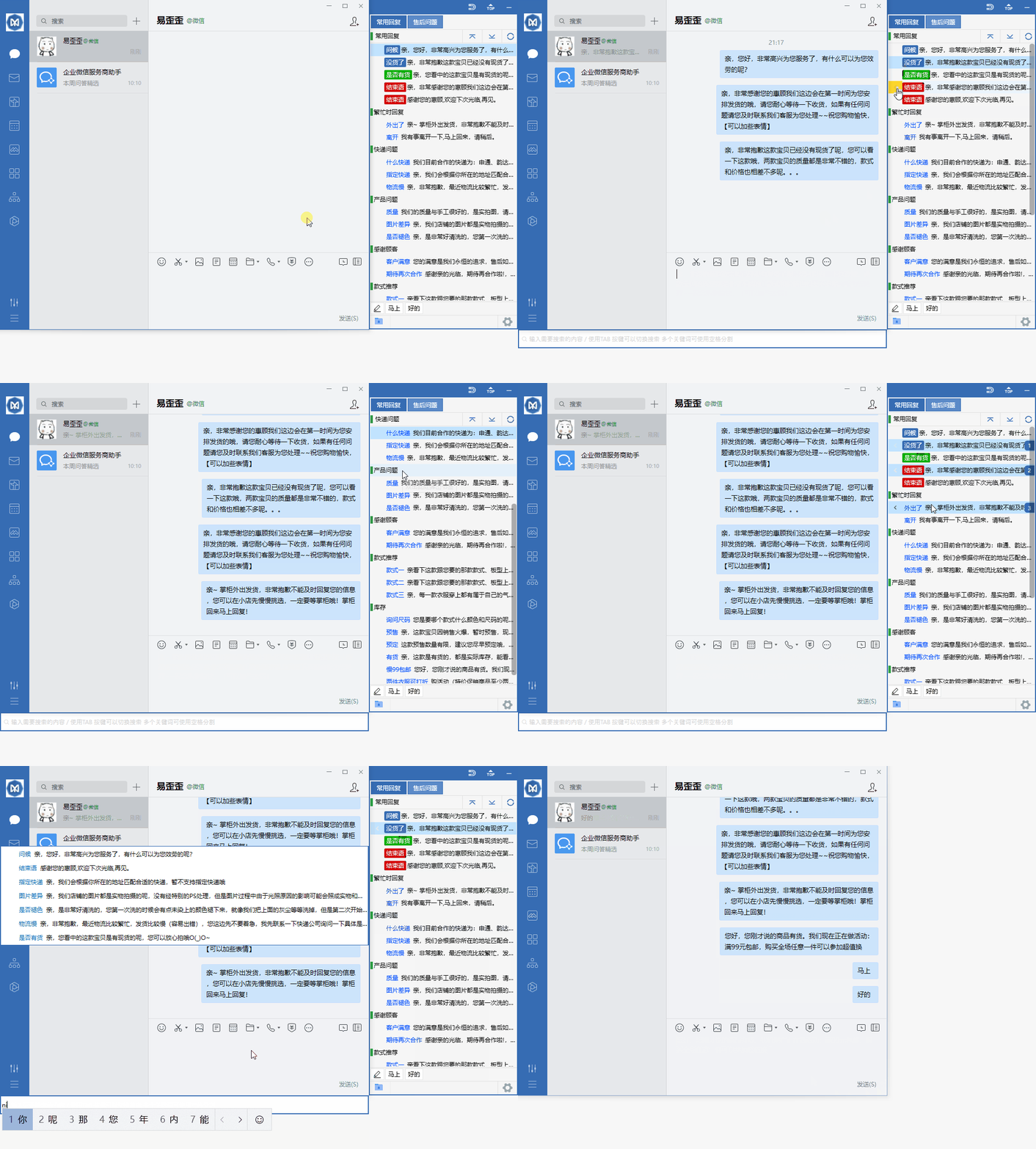
Organize daily customer service communication with reply categories, quick input, and team sync.
Start with quick phrases and organize frequently used items according to your actual work needs.
Combine data grouping with team sync to keep daily operations clearly organized.
Use desktop communication in a familiar interface and adjust your settings as needed.
View options related to quick phrases, and confirm device and version information before getting started.
Select your device system in the download center and view the corresponding version name.
Open the installation file and follow the installation prompts on your device to complete setup.
Yiwaiwai provides clear installation guidance and basic usage instructions to help you complete the initial setup on different devices. No complex configuration is needed; simply follow the steps to reach a stable and smooth experience.
Covers common devices such as computers, phones, and tablets, making it easy to switch flexibly between different systems.
After downloading, complete the basic setup by following the prompts. The interface is clear and suitable for first-time users to get started quickly.
Low resource usage during daily use, suitable for staying online for long periods while maintaining smooth operation.
Open the download center to get the version for your platform, install it, and then launch the application. Follow the on-screen prompts for basic setup and confirm that the network connection is normal before you start using it.
Installation and setup can be completed separately on different devices. It is recommended to keep the system time accurate on each device and use it in a stable network environment for a smoother experience.